Welcome to this article, we now prefer to be able to do things without using code behind for smaller jobs.
For example, when developing SPASPASingle-page Application — a web application that loads a single HTML page and dynamically updates content as the user interacts, without full page reloads projects or simple websites, corporate sites, blog sites etc. Just updating sites with CI/CD has simplified a lot of things for us, so how can we prepare areas that need coding and database such as contact form etc. on a website with only developed front-end side. Wikipedia 1 source 1 Single-page applicationWikipedia
There are actually many open source projects for this process, but today I will talk about formspree.io.
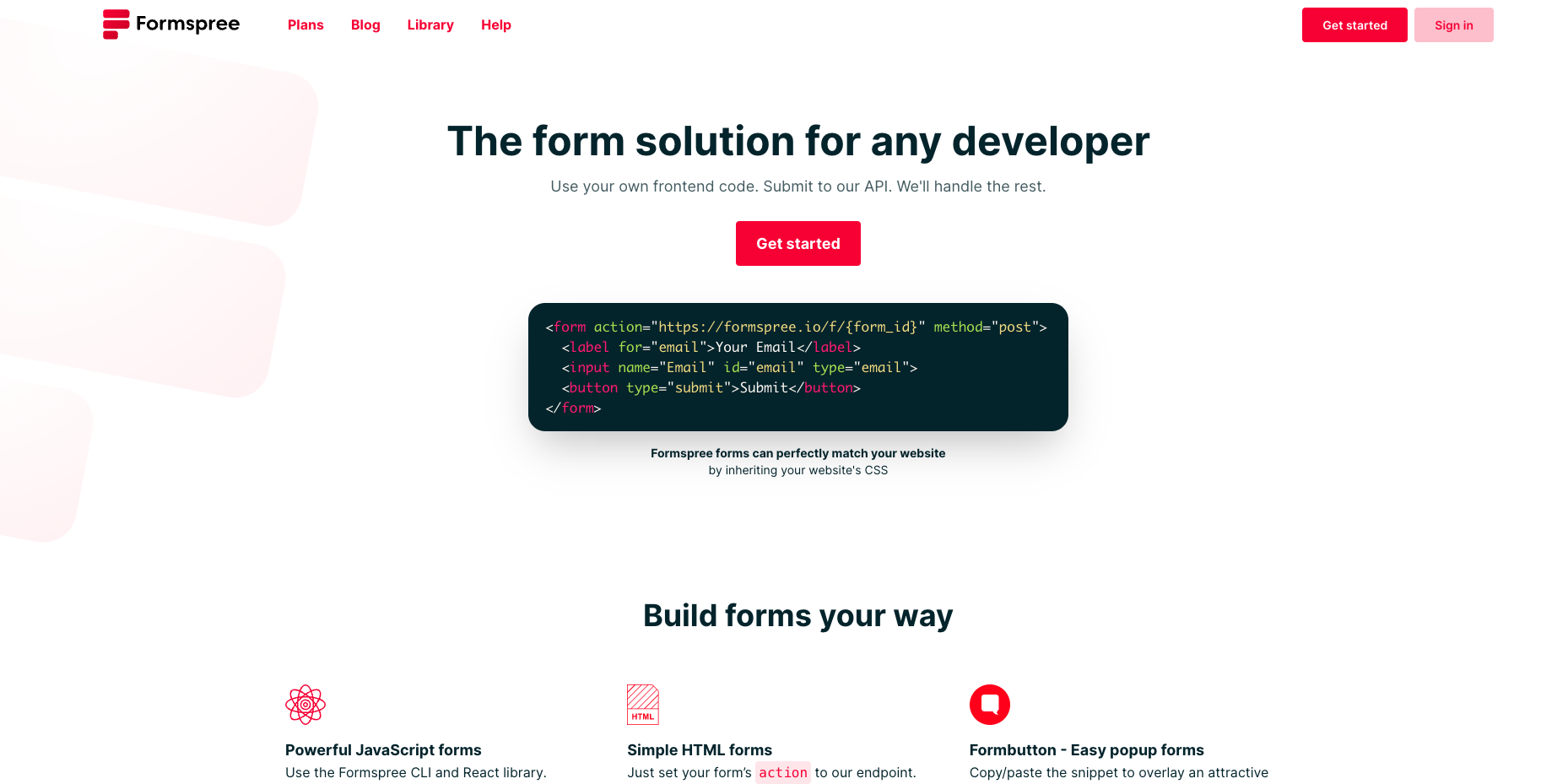
formspree.io has chosen to approach things a little differently and very simply.
When you sign up and verify your site through the dashboard, you get a form creation screen. But in this form creation screen, you don’t add elements etc. They have a different approach, you just create the form and get the endpoint. Whatever you send to this endpoint, they keep the form request, parses it in the panel and shows it to you. In this way, you don’t have to worry about adding it with iframe or designing a form on the dashboard.
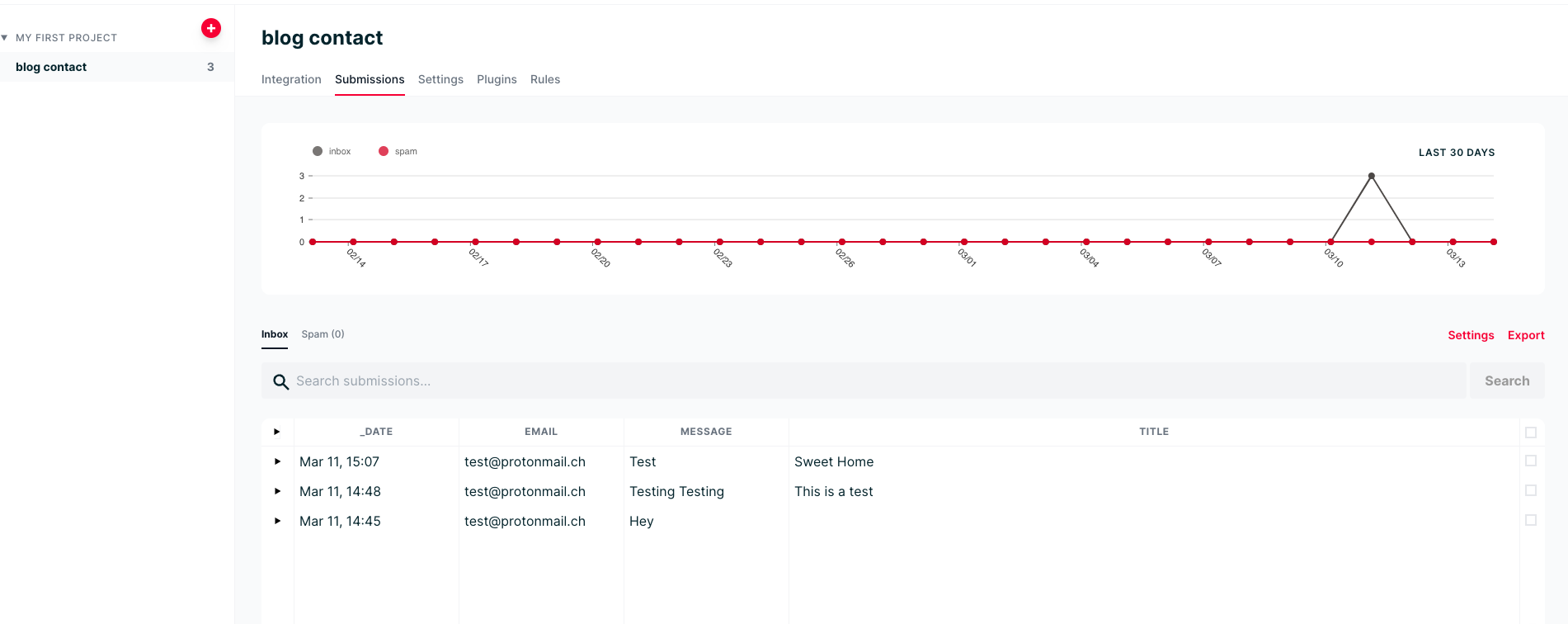
When a new record arrives, it is sent to the e-mail address you have specified. If you want, you can get the key for CAPTCHACAPTCHACompletely Automated Public Turing test to tell Computers and Humans Apart — a type of challenge-response test used in computing to determine whether the user is human and add it. Wikipedia 1 source 2 CAPTCHAWikipedia
The nice thing is that you can also connect your form with popular plug-ins for free.
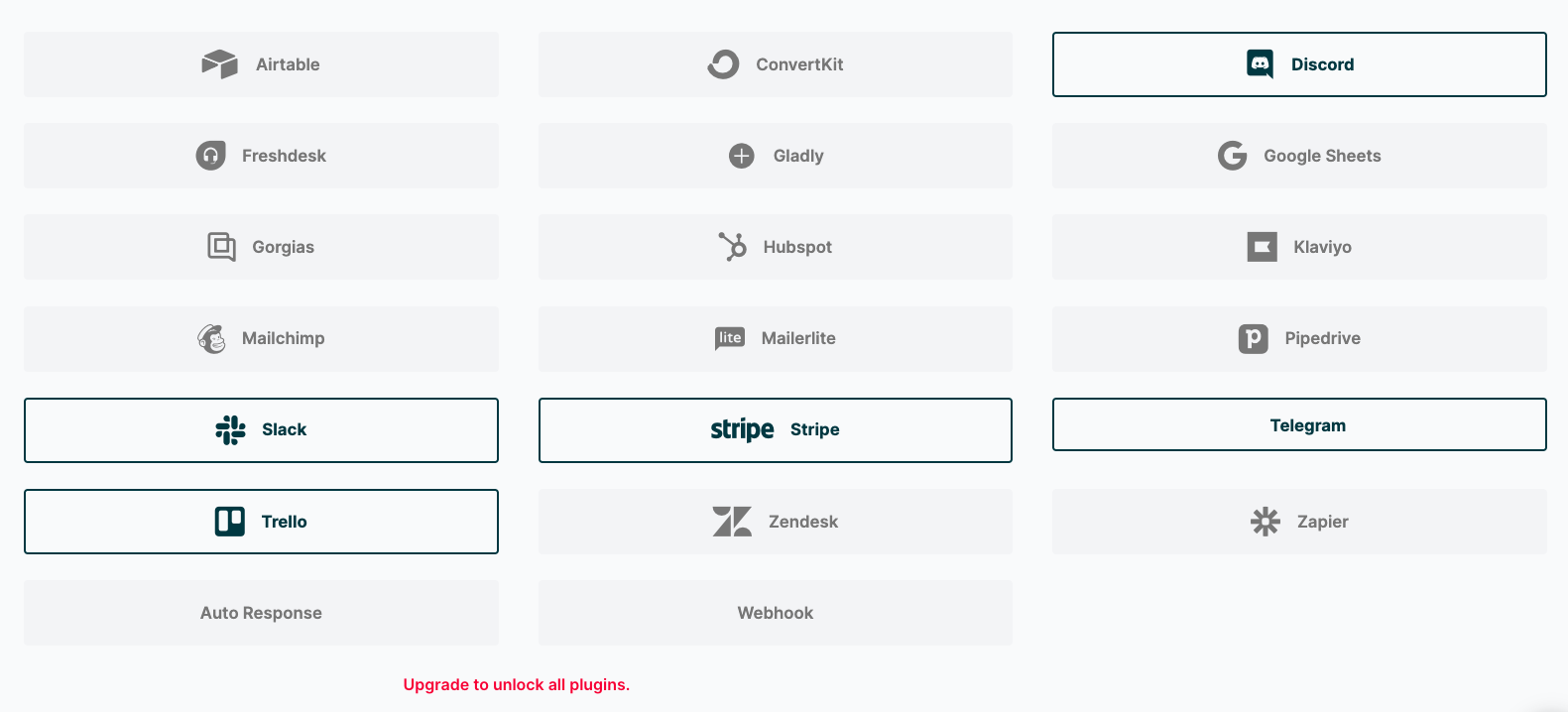
Now, some question marks have come to your mind directly from what I have said. How will we add conditions such as this field is mandatory and this field is related to this field. This area is unfortunately not free of charge, if you want to write rules in the form you have to pay a fee.
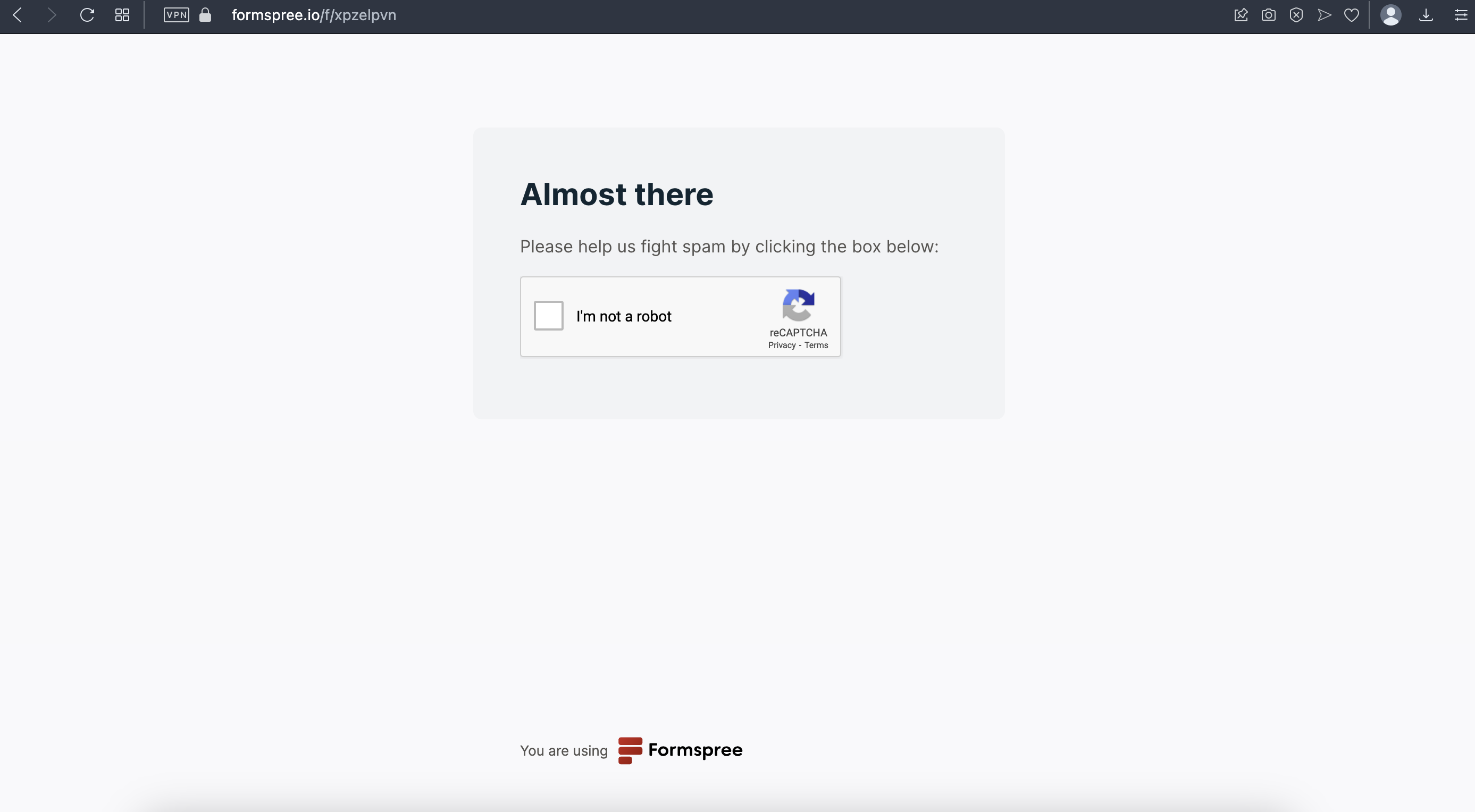
Also, when you approve the form, you see the captcha on their page, not on your form. If you want to get them out of the way, you have to pay.
So let’s talk about the pros and cons together. #
Pros #
- It can be used in small projects for free.
- Popular plugins are free.
- Reducing the time to be added to the form development while developing the project.
- It can be used not only as an HTML form but also as a react component.
Cons #
- Nice features are paid.
- The form submission page redirects to their site. (If you paid you can customize that page.)
- Captcha is rendered on their site.
I must say I highly recommend it.